Letter signed by Commissioner of Police accusing you of sharing child porn is fake, say cops

The police are warning members of the public to be vigilant against scam emails involving the impersonation of the Commissioner of Police.
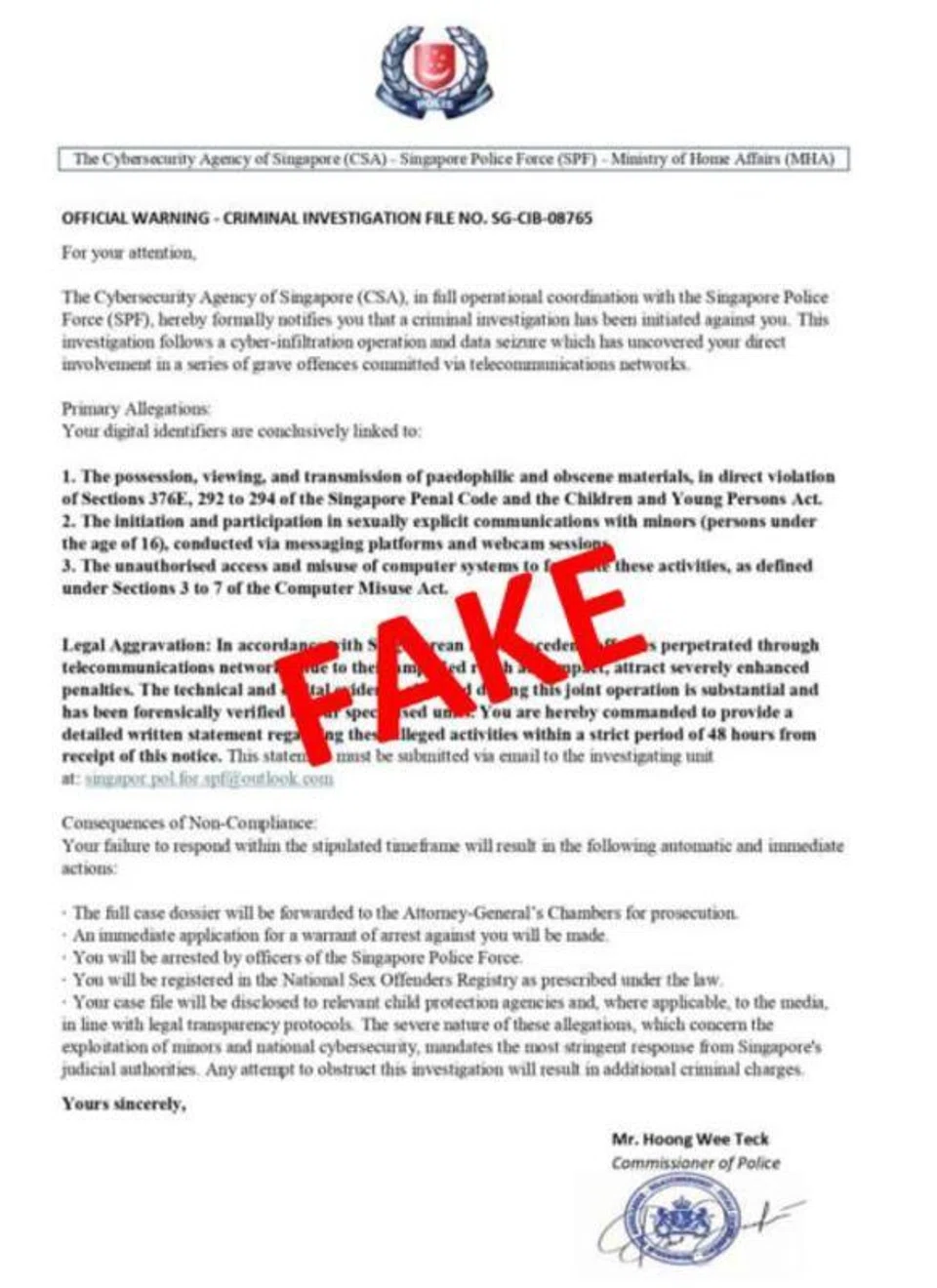
Victims would receive an unsolicited email supposedly from the Commissioner of Police that contains a “warning letter” claiming that the Cyber Security Agency of Singapore and police have initiated investigations against the recipient for alleged involvement in criminal activities.
In a screenshot of the email shared by the police, the letter accuses the recipient of possessing and sharing "paedophilic and obscene material" and engaging in sexually explicit communication with minors.
The recipient is warned that failure to email a "detailed written statement" within 48 hours could result in arrest, prosecution by the Attorney-General's Chambers and registration in the National Sex Offenders Registry.
The email address provided in the letter ends with outlook.com and is not officially used by the Singapore Police Force.
The letter appears to be signed by Mr Hoong Wee Teck, who is the actual Commissioner of Police. He is expected to retire on Jan 6.
In an advisory on Dec 28, the police stressed that these emails are not issued by the police or any Singapore government officials.
The police also reiterated that Singapore government officials will never do the following over emails or phone calls:
- Ask you to transfer money
- Ask you to disclose bank login details
- Ask you to install mobile apps from unofficial app stores
- Transfer your call to the police or any other government officials
The public is strongly advised to never transfer or hand over money, cryptocurrencies or valuables to unknown persons or to anyone whose identity has not been verified.
In addition, the public should also never leave money or valuables at a physical location for someone else to collect later or disclose personal details to strangers.
The police encouraged the public to adopt the following precautionary measures:
- Add the ScamShield app to block scam calls and filter scam messages, and set up security features such as transaction limits, two-factor authentication and bank Money Lock features
- Check for scam signs using official sources such as the ScamShield app or by calling the 24/7 ScamShield Helpline at 1799
- Tell the authorities, as well as family and friends, if you encounter a scam




See something interesting? Contribute your story to us.
